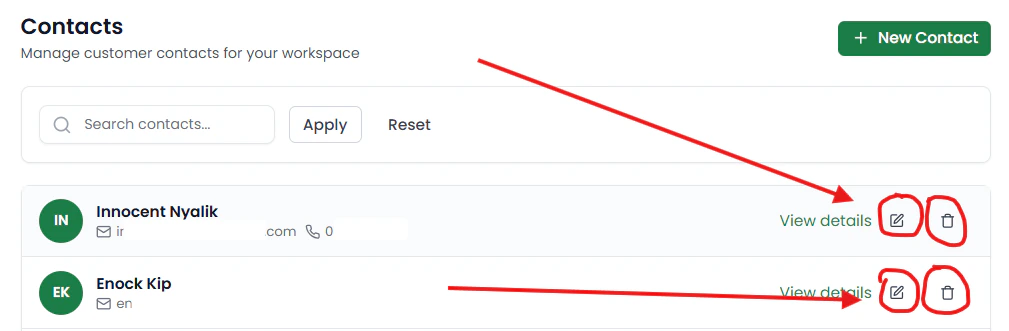

Contacts Overview
The Contacts page in SafariDesk stores and manages all customer information associated with support interactions. Whenever a customer submits a request, such as:- Sending an email to your support address
- Creating a ticket through the customer portal
Accessing Contacts
Navigate to User Management → Contacts to view all customer records.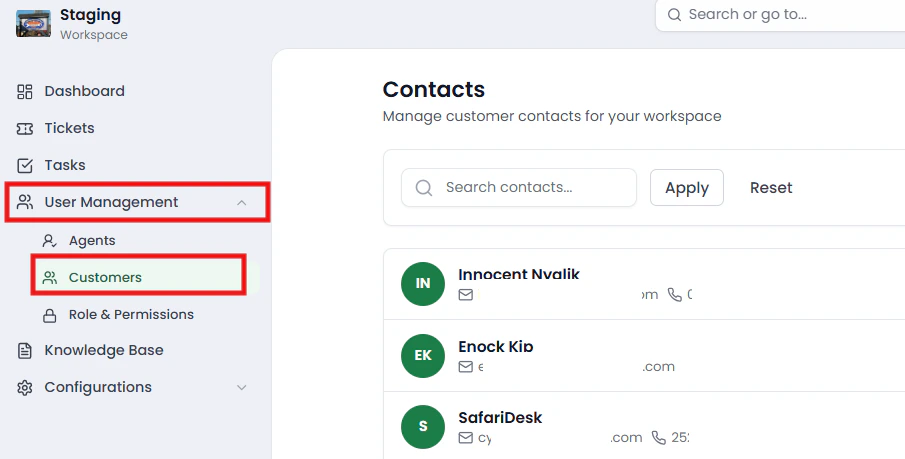
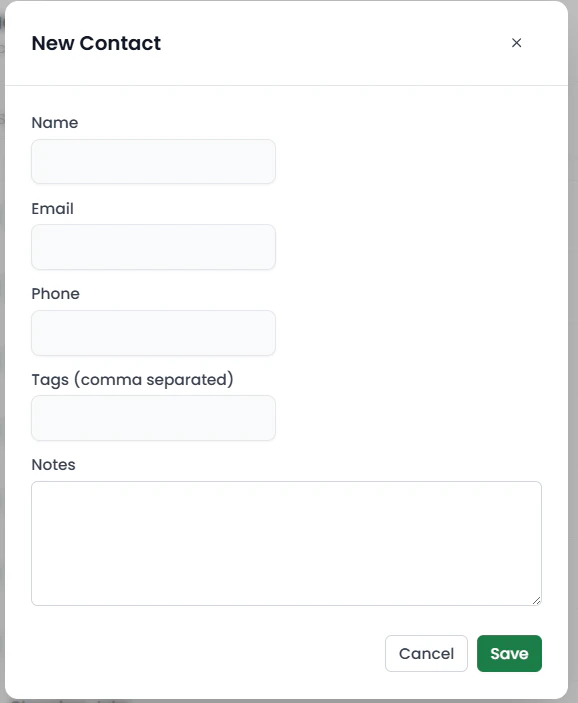
Creating a Contact
You can manually create a contact by clicking the New Contact button at the top right.
- Name
- Phone Number (optional)
Searching Contacts
Use the search bar at the top of the page to quickly find contacts by:- Name | Email

Viewing Contact Details
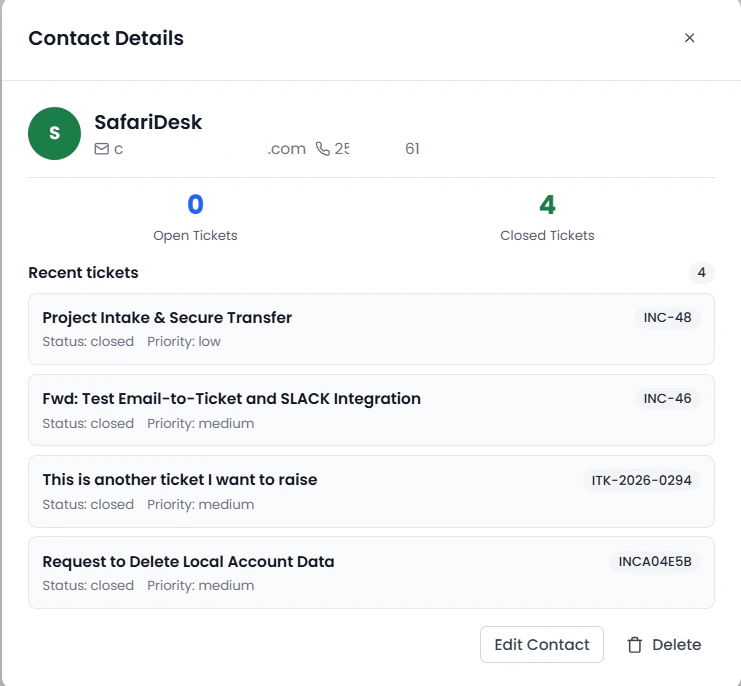
Click View Details to open a detailed view of a contact.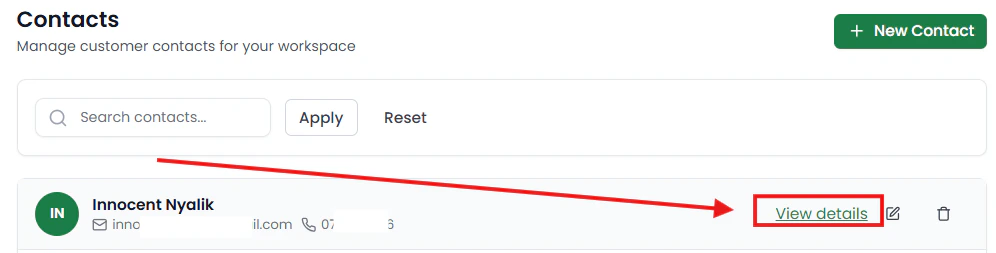
- Contact Information (name, email, phone)
- Ticket Summary:
- Number of Open Tickets
- Number of Closed Tickets
Editing a Contact
From the contact details view, you can update:- Name | Email | Phone Number
Internal Notes
You can also add internal notes to a contact.- These notes are only visible to your team
- Useful for storing important context about the customer
Deleting a Contact
If needed, you can delete a contact from the system.⚠️ Use caution when deleting contacts, as this may affect ticket history and tracking.