

Knowledge Base Overview
The Knowledge Base in SafariDesk allows you to create, organize, and publish help articles for your customers and internal teams. It serves as a centralized hub for documentation, including:- Product guides
- Troubleshooting articles
- Billing and account information
- Updates and announcements
Accessing the Knowledge Base
To manage your articles, navigate to the Knowledge Base section from your dashboard.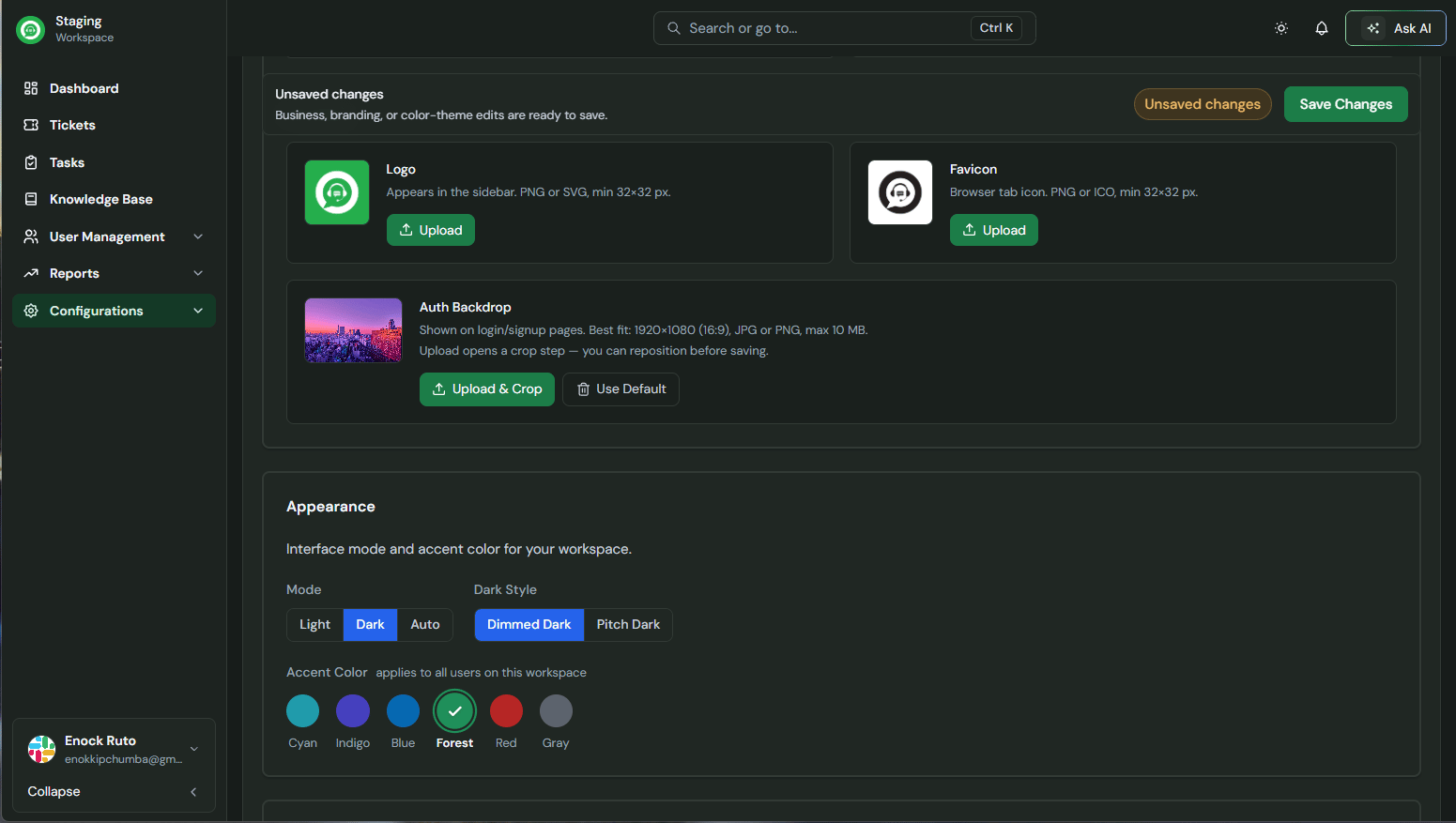
- View all categories and articles
- Track article status (Draft, Published, Archived)
- See authors and last modified dates
Understanding the Structure
SafariDesk organizes content into two levels:Categories
Categories group related articles together (e.g., Billing & Payments, Product Guides, Updates & Announcements).Articles
Articles are individual pieces of content created within a category.⚠️ You must create a category first before adding articles.
Creating a Category
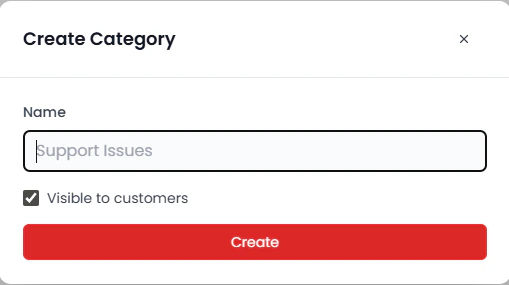
To create a new category:- Click the Create button
- Select Category
- Enter the category name
- Click Create
Creating an Article
After creating a category, you can add articles to it.- Click the Create button
- Select Article
- Enter the article title
- Choose a category from the dropdown at the top
- Click Create
Drafts and Publishing
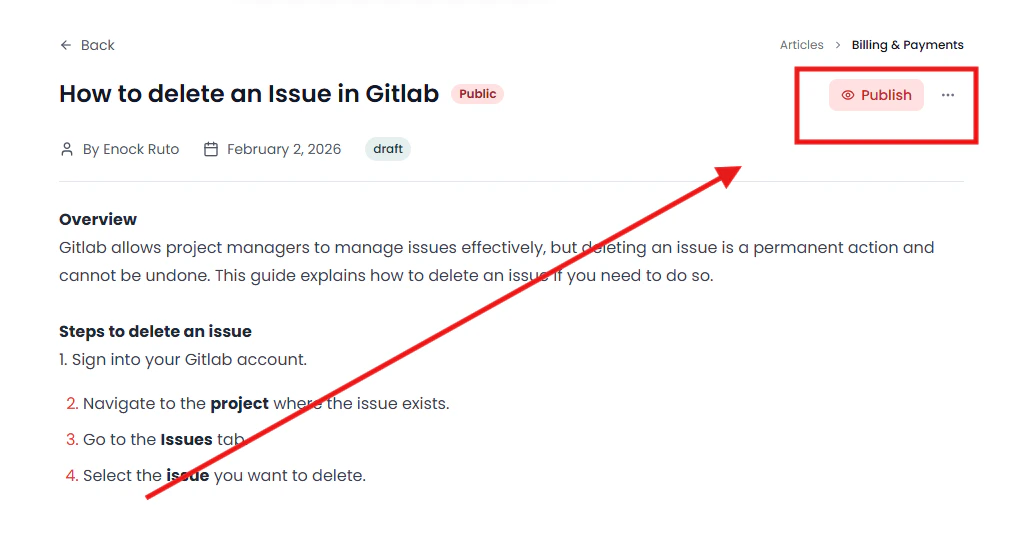
When an article is first created, it is saved as a Draft. To make it visible to users:- Open the article
- Review and edit the content
- Click the Publish button
Managing Articles
Each article includes the following details:- Title – Name of the article
- Status – Draft, Published, or Archived
- Author – Creator of the article
- Last Modified – Most recent update
Best Practices for Knowledge Base Management
To keep your Knowledge Base effective and easy to navigate:- Organize content into clear, logical categories
- Use descriptive, keyword-rich titles
- Keep articles concise and actionable
- Regularly update outdated content
- Archive articles that are no longer relevant
Why a Knowledge Base Matters
A well-maintained Knowledge Base helps you:- Reduce repetitive support requests
- Empower users with self-service resources
- Improve customer satisfaction
- Scale your support operations efficiently
Need Help?
If you have any questions or need assistance, contact our support team at[email protected] We’re always here to help you get the most out of SafariDesk.